Skip to content

A day on the tools.

Set up once, preview the roof colours, then take a quote from the driveway to accepted.

Five steps before your first quote.

Business details, accounting (optional), how quotes look, defaults, cost library.

  • 01

    Tell us about your business.

    Name, ABN, GST setting, default expiry, the contact details on every quote.

  • 02

    Accounting.

    Connect Xero or QuickBooks Online, or skip it.

  • 03

    How your quotes look.

    One line or itemised on the customer's copy.

  • 04

    Your defaults.

    Pricing mode and target margin.

  • 05

    Load your cost library.

    Tick the job types you do; edit any unit cost now or later.

Step 04, your defaults.

A day on the tools

  1. 7:10am

    Pick the job type.

    Metal reroof pre-fills the scope. Edit anything.
  2. 3:45pm

    In the driveway.

    Roof area 180 sqm, waste 10%. Lines that use them fill their quantities.

  3. 3:49pm

    Lines from the library.

    Sheets, blanket, ridge capping, gutter, labour, disposal. Your costs, not ours.

  4. 3:50pm

    Name the price.

    $17,500 keeps 18.0%, under the 25% target, and the app says so.

  5. 3:51pm

    Or set the margin.

    25% target. Customer price $19,135. Profit $4,784.

  6. 3:52pm
    J. McKenzie· #142Draft
    Quote price (ex-GST)$19,135
    Margin · private 25.0%On target
    JobFull reroof, Glenelg

    Send it.

    A branded PDF and a private link go by email. The draft was autosaving the whole time.

  7. 5:12pm

    What your customer sees.

    Viewed.

    You see when it's opened, so you know when to call.

  8. 7:40pm

    What your customer sees.

    Accepted.

    They tap Accept quote in the browser. You get an email.

  9. 8:15pm

    Kitchen table.

    Nothing to type up. A draft quote is waiting in Xero.

  1. 7:10am

    Pick the job type.

    Metal reroof pre-fills the scope. Edit anything.

  2. 3:45pm

    In the driveway.

    Roof area 180 sqm, waste 10%. Lines that use them fill their quantities.

  3. 3:49pm

    Lines from the library.

    Sheets, blanket, ridge capping, gutter, labour, disposal. Your costs, not ours.

  4. 3:50pm

    Name the price.

    $17,500 keeps 18.0%, under the 25% target, and the app says so.

  5. 3:51pm

    Or set the margin.

    25% target. Customer price $19,135. Profit $4,784.

  6. 3:52pm

    Send it.

    A branded PDF and a private link go by email. The draft was autosaving the whole time.

  7. 5:12pm

    Viewed.

    You see when it's opened, so you know when to call.

  8. 7:40pm

    Accepted.

    They tap Accept quote in the browser. You get an email.

  9. 8:15pm

    Kitchen table.

    Nothing to type up. A draft quote is waiting in Xero.

Example business and numbers.

Or it ends as.

Declined

Declined.

A clear no, so you can move on.

Expired

Expired.

Lapses after the expiry you set, 30 days by default. Renew and send again.

Two ways to price, one formula.

The numbers are examples. The maths is the app's own.

price = cost / (1 - margin)

$14,351 at 25% is $19,135.

margin = (price - cost) / price

$17,500 keeps 18.0%, under target, so the app says so before you send.

Example business and numbers.

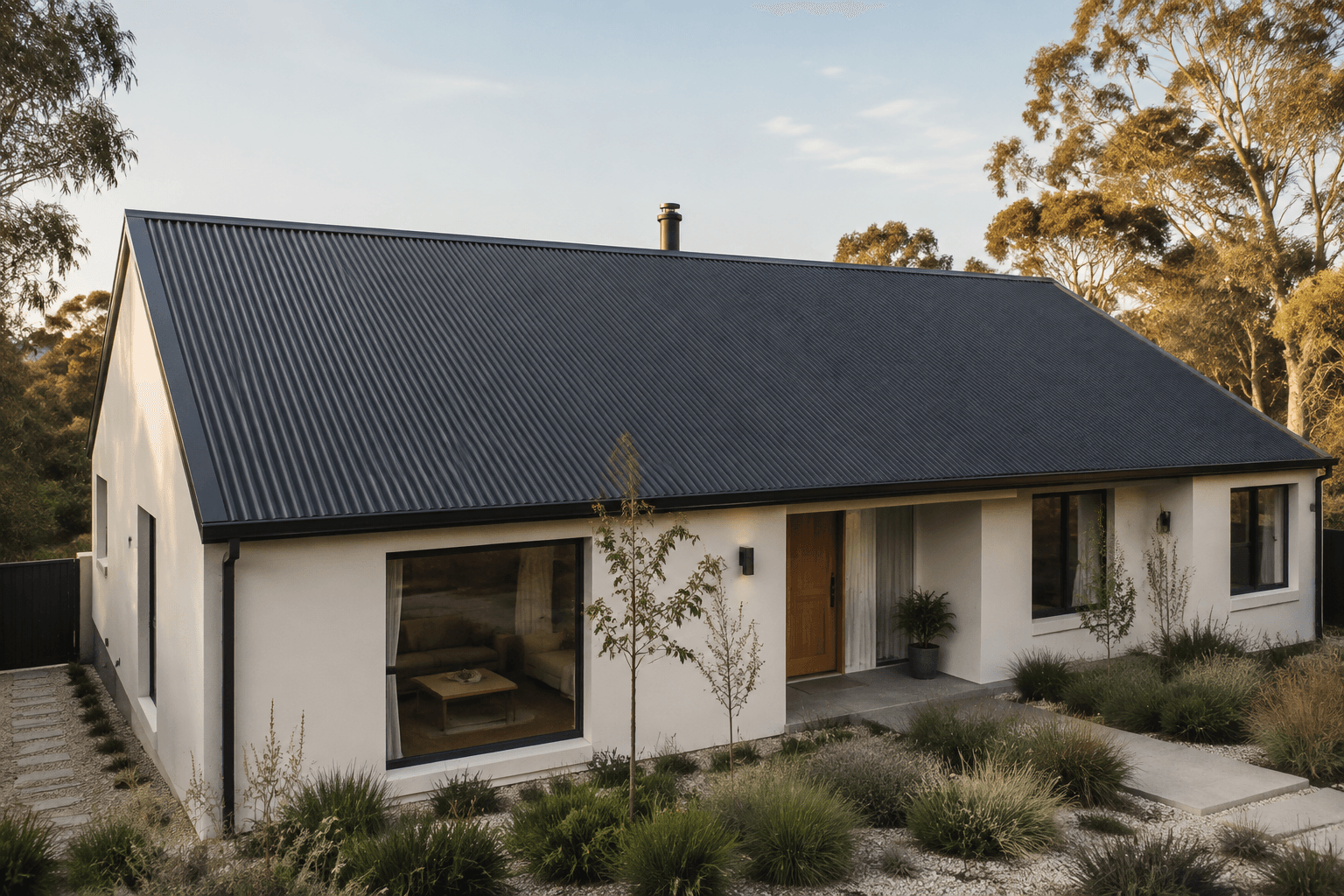
AI-generated illustration of an Australian home with a charcoal metal roof.ILLUSTRATIVE IMAGE

AVAILABLE NOW / AI ROOF COLOURS

Help them see the roof
you can already picture.

Show customers how their roof could look with the AI roof colour visualiser. Upload a roof photo, explore COLORBOND colours and compare classic or matt finishes.

A clearer picture to go with a considered quote.

Get started with Quick Roof

AI-generated illustration. Preview colours are approximate; check a physical colour sample before choosing.

Start with your next quote.

14 days free, no card.

Start free for 14 days

No card. Cancel from settings.